
Almost every website owner has been there.
Your site feels slow, so you:
- Install a caching plugin
- Compress images
- Minify CSS and JavaScript
- Disable unnecessary plugins
At first, things improve slightly. But after a while, the website still feels sluggish. Pages load inconsistently. Admin panels lag. Visitors drop off faster than expected.
That’s when an uncomfortable truth usually appears:
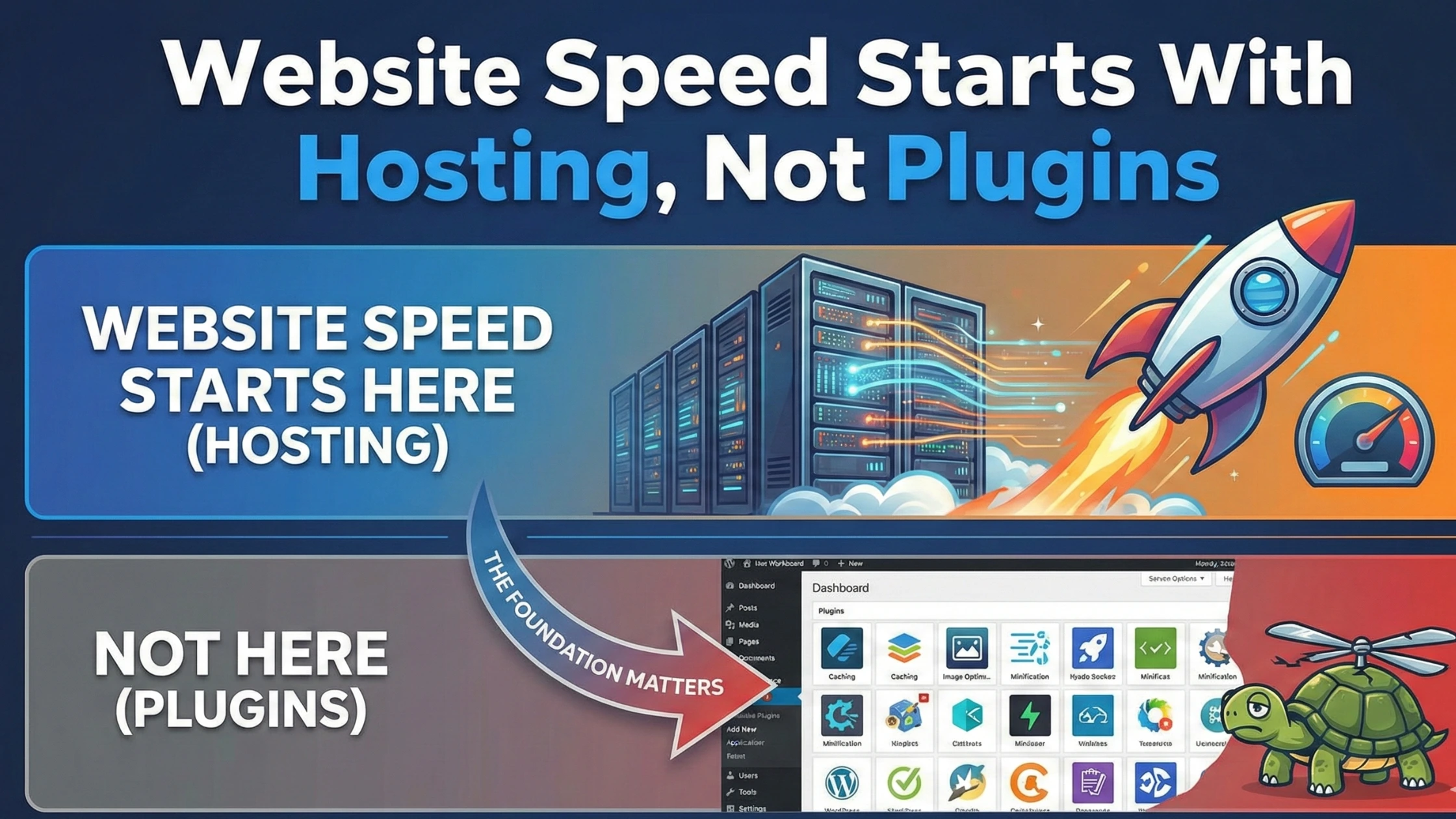
Website speed problems are rarely caused by plugins alone. They usually start with hosting.
This article explains why hosting plays the biggest role in website speed, why plugins can only do so much, and how to think about performance the right way—without chasing quick fixes that don’t last.
Why Website Speed Matters More Than Ever
Website speed is no longer just a “technical” issue. It directly affects:
- Search engine rankings
- User trust
- Bounce rates
- Conversions and sales
Visitors expect websites to load almost instantly. When they don’t, people don’t wait—they leave.
Search engines behave the same way. Faster websites get rewarded with better visibility. Slow websites quietly fall behind, even if the content is good.
The Common Myth: Plugins Fix Everything
Plugins are useful—but they are not magic.
Caching plugins, optimization tools, and performance add-ons are designed to optimize what already exists. They cannot compensate for:
- Weak server resources
- Overcrowded hosting environments
- Slow disk performance
- Limited CPU or memory
Think of plugins as polish. Hosting is the foundation.
Polishing a weak foundation doesn’t make the structure strong.
What Actually Determines Website Speed
Website speed depends on multiple layers working together:
- Server hardware
- Server configuration
- Hosting environment
- Database performance
- Application efficiency
- Front-end optimization
Most optimization advice focuses only on the last two. Hosting affects the first four, which is why it matters more.
How Hosting Directly Affects Speed
Let’s break down how hosting influences performance in practical terms.
Server Resources
Your website needs CPU power, RAM, and disk speed to function. On limited hosting, these resources are shared or capped.
When resources run low:
- Pages load slowly
- Background tasks queue up
- Admin actions lag
No plugin can fix missing resources.
Server Load and Neighbor Effect
On shared hosting, your website shares a server with many others. If another site uses excessive resources, everyone feels it.
This is why websites sometimes feel fast at night and slow during the day.
You can see this environment in typical
👉 Website Hosting
https://vidohost.com/website-hosting.html
(Internal Link 1/3)
Shared hosting is efficient—but not predictable at scale.
Disk Speed and Storage Type
Storage type matters more than most people realize.
Modern hosting uses fast SSD or NVMe storage. Older or overloaded systems use slower disks.
Disk speed affects:
- Page generation time
- Database queries
- Media loading
Plugins cannot speed up a slow disk.
Why Plugins Have a Performance Ceiling
Plugins improve efficiency, but only within limits.
Caching plugins:
- Reduce repeat processing
- Speed up repeat visits
Image optimization:
- Reduces file size
- Improves load time slightly
Minification:
- Reduces file requests
But if the server itself is slow, plugins only reduce the pain—they don’t remove it.
This is why many websites hit a speed ceiling they can’t break through.
WordPress Speed: Hosting Makes the Difference
WordPress is dynamic. Every page load involves:
- PHP execution
- Database queries
- Plugin interactions
On underpowered hosting, this process becomes slow and unstable.
Optimized
👉 WordPress Hosting
https://vidohost.com/wordpress-hosting.html
(Internal Link 2/3)
improves speed by:
- Tuning server settings for WordPress
- Optimizing PHP and database handling
- Reducing unnecessary overhead
The result is smoother performance—even before plugins are added.
Why “Speed Optimization” Often Fails Long-Term
Many websites look fast right after optimization—but slow down again months later.
Why?
- Content grows
- Plugins increase
- Traffic rises
- Databases expand
Hosting that was “good enough” at launch slowly becomes a bottleneck.
Long-term speed requires scalable hosting, not repeated optimization cycles.
Website Speed During Traffic Spikes
Traffic spikes reveal hosting weaknesses instantly.
On weak hosting:
- Pages time out
- Servers throttle requests
- Visitors see errors
On stronger infrastructure, traffic spikes are absorbed without drama.
Speed is not just about average performance—it’s about performance under pressure.
Why Cloud-Based Hosting Feels Faster
Cloud-based environments distribute workloads more efficiently.
They offer:
- Better resource availability
- Improved uptime
- Faster recovery from load issues
This makes them ideal for websites where speed consistency matters.
However, upgrading hosting is not about choosing the most powerful option—it’s about choosing the right one for your growth stage.
Speed Testing Can Be Misleading
Speed test tools are useful—but limited.
They:
- Test ideal conditions
- Ignore server load variation
- Don’t reflect real user experience
A website can score well on speed tests and still feel slow during real-world usage.
True speed is experienced by users, not tools.
When Hosting Is the Real Bottleneck
Hosting is likely your main speed issue if:
- Your site slows during traffic spikes
- Admin dashboard feels laggy
- Pages load inconsistently
- Plugins stop making a difference
At this stage, optimization alone becomes diminishing returns.
Migration as a Speed Solution
Many websites experience immediate speed improvement simply by moving to better hosting—without changing design or plugins.
This happens because:
- Server resources increase
- Disk speed improves
- Load handling becomes stable
That’s why services like
👉 Free Website Migration
https://vidohost.com/free-migration.html
(Internal Link 3/3)
exist—to allow websites to upgrade their foundation without risk or downtime.
What Actually Improves Website Speed Long-Term
Sustainable speed comes from:
- Choosing the right hosting
- Matching hosting to website size
- Scaling resources gradually
- Optimizing after the foundation is strong
Plugins support speed—but hosting enables it.
The Right Way to Think About Speed
Instead of asking:
“Which plugin will make my site faster?”
Ask:
“Is my hosting supporting my website’s current needs?”
That mindset shift solves more speed problems than any single optimization trick.
Final Thoughts
Website speed doesn’t start in the WordPress plugin library. It starts on the server.
Plugins can refine performance, but they cannot replace proper hosting. If your website feels slow despite optimization efforts, hosting is likely the limiting factor.
Build on a strong foundation, and optimization becomes easy. Build on a weak one, and speed will always feel like a struggle.