
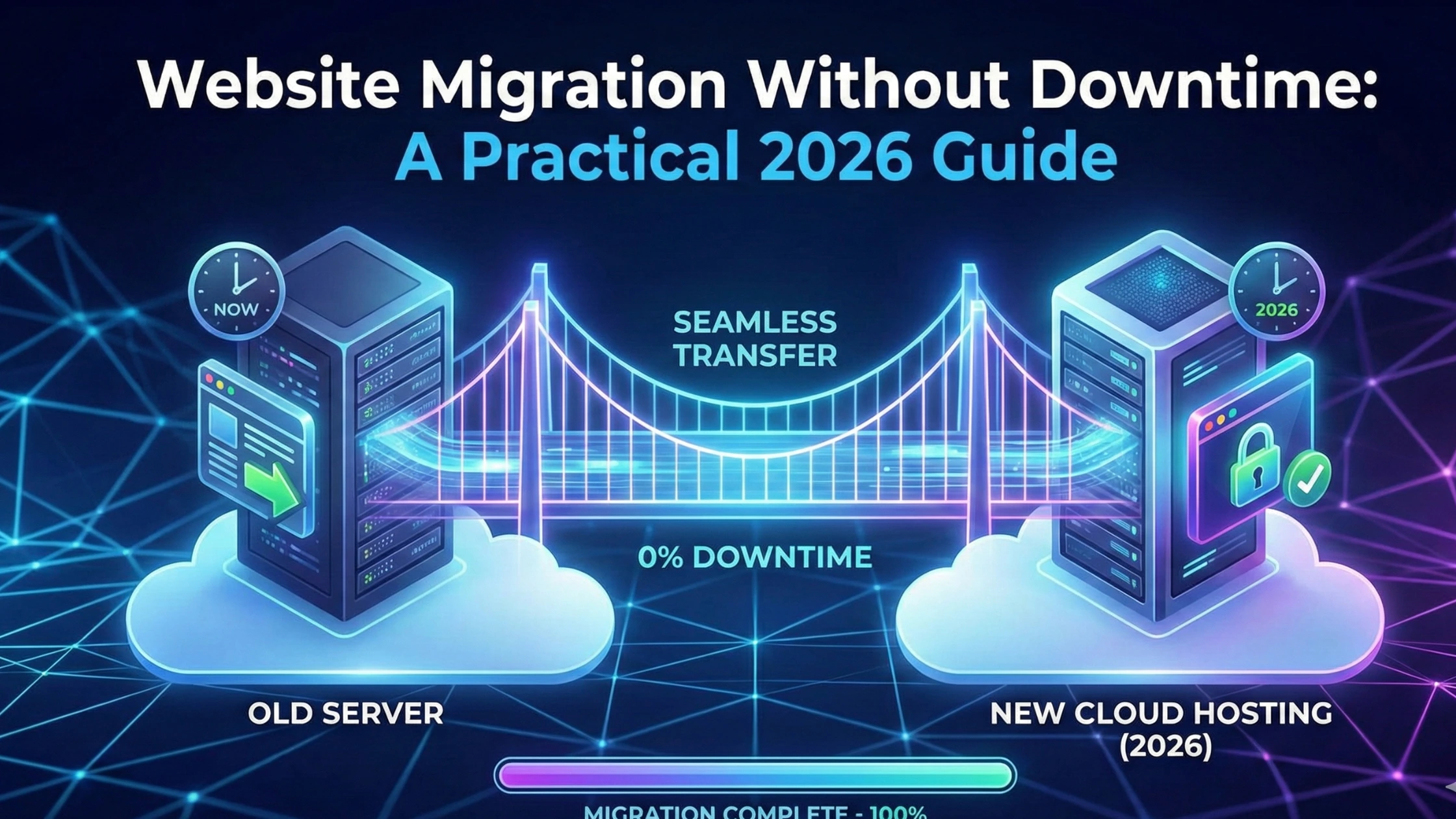
Website migration is one of those tasks that most website owners delay for as long as possible. Even the word “migration” makes people nervous—and for good reason. Broken pages, lost data, SEO drops, downtime, and email issues are all very real risks when migration is done poorly.
But here’s the truth most people don’t hear enough:
website migration itself is not dangerous—bad migration is.
When done properly, migration can improve performance, security, and reliability without visitors even noticing anything happened. This guide explains website migration in a calm, practical way—no scare tactics, no technical overload, just clarity.
What Website Migration Really Means
Website migration simply means moving your website from one environment to another.
This could involve:
- Changing hosting providers
- Upgrading server infrastructure
- Moving from shared hosting to VPS or dedicated
- Switching domains or URLs
- Migrating email and databases
Not all migrations are equal. Some are simple. Others require careful planning. Problems happen when people treat every migration the same.
Why People Fear Website Migration
Migration fear usually comes from past experiences or stories online. Common reasons include:
- Previous downtime incidents
- SEO traffic drops
- Missing files or broken layouts
- Email outages
- DNS confusion
Most of these issues are not caused by migration itself—but by rushed execution or lack of preparation.
When Website Migration Is Actually a Good Idea
Many people assume migration should only happen when something is broken. That’s not true.
Migration is often necessary when:
- Your website feels slow despite optimization
- Your hosting limits growth
- Security concerns increase
- Support quality is poor
- Your business outgrows current infrastructure
In many cases, migration is not a risk—it’s a solution.
The Biggest Mistake People Make During Migration
The most common mistake is migrating without a plan.
Website migration should never be:
- “Let’s move it and see what happens”
- “It worked for someone else”
- “We’ll fix issues later”
Good migration follows a structured process that protects data, users, and search rankings.
Step 1: Understand What Needs to Be Migrated
Before anything moves, you must know what exists.
A proper migration includes:
- Website files
- Databases
- Images and media
- Emails
- DNS records
- SSL certificates
Skipping even one of these can cause partial failures that are hard to diagnose later.
Step 2: Choose the Right Hosting Before Migrating
Migration should not happen into another weak environment.
Your new hosting should be:
- Faster than your current one
- Scalable
- Secure
- Supported by real humans
Many websites migrate because they’ve outgrown basic setups. For example, content-heavy or business sites often benefit from reliable
👉 Website Hosting
https://vidohost.com/website-hosting.html
(Internal Link 1/3)
Choosing the right destination first avoids repeated migrations later.
Step 3: Prepare the New Environment Before Switching
This step is where downtime is usually avoided—or caused.
Proper preparation includes:
- Setting up hosting correctly
- Installing required software versions
- Testing site functionality on a temporary URL
- Verifying database connections
- Checking performance
Your website should be fully functional before DNS is touched.
Step 4: Migration Is Not the Same for Every Website
Different websites require different approaches.
Content Websites
Usually simpler, but still need SEO protection.
WordPress Websites
Require plugin compatibility checks, database optimization, and cache handling.
Many WordPress sites migrate to better environments like
👉 WordPress Hosting
https://vidohost.com/wordpress-hosting.html
(Internal Link 2/3)
to improve speed and stability without redesigning the site.
Ecommerce Websites
Require special care with:
- Orders
- Customer accounts
- Payment integrations
These sites must avoid downtime at all costs.
Step 5: DNS Switching Is the Most Sensitive Moment
DNS controls where your domain points.
Mistakes here can cause:
- Website not loading
- Emails stopping
- Partial access issues
Proper migration ensures DNS changes happen only after:
- Site is tested
- SSL is active
- Emails are verified
DNS changes should feel boring. If they feel stressful, something is wrong.
Step 6: SEO Protection During Migration
SEO loss is one of the biggest fears—and it’s valid.
SEO-safe migration includes:
- Keeping URLs unchanged
- Preserving page structure
- Ensuring redirects where needed
- Maintaining site speed
- Avoiding downtime
Search engines care about consistency. A smooth migration usually goes unnoticed by them.
Step 7: Testing After Migration Is Non-Negotiable
Migration does not end when the site loads.
Post-migration testing should include:
- Page speed checks
- Form submissions
- Login functionality
- Email delivery
- Mobile responsiveness
Most migration issues are caught here—not earlier.
Why Professional Migration Matters
DIY migration works sometimes—but when it fails, the damage can be costly.
Professional migration:
- Reduces downtime risk
- Prevents data loss
- Protects SEO
- Saves time
This is why services like
👉 Free Website Migration
https://vidohost.com/free-migration.html
(Internal Link 3/3)
exist—to remove risk from an already stressful process.
When Migration Goes Wrong (And Why)
Most failed migrations share common causes:
- Rushing
- Ignoring backups
- Changing too many things at once
- Incomplete testing
- Poor hosting support
Migration should be methodical, not emotional.
How to Know Migration Was Successful
A successful migration feels boring:
- Visitors don’t notice
- Traffic remains stable
- Emails keep working
- Performance improves quietly
That’s the goal.
Final Thoughts
Website migration is not something to fear—but it is something to respect.
When done properly, migration improves speed, security, and scalability without disruption. When done poorly, it creates unnecessary stress and damage.
If your website has outgrown its current environment, migration may not be the risk you think it is—it may be the upgrade your site actually needs.